
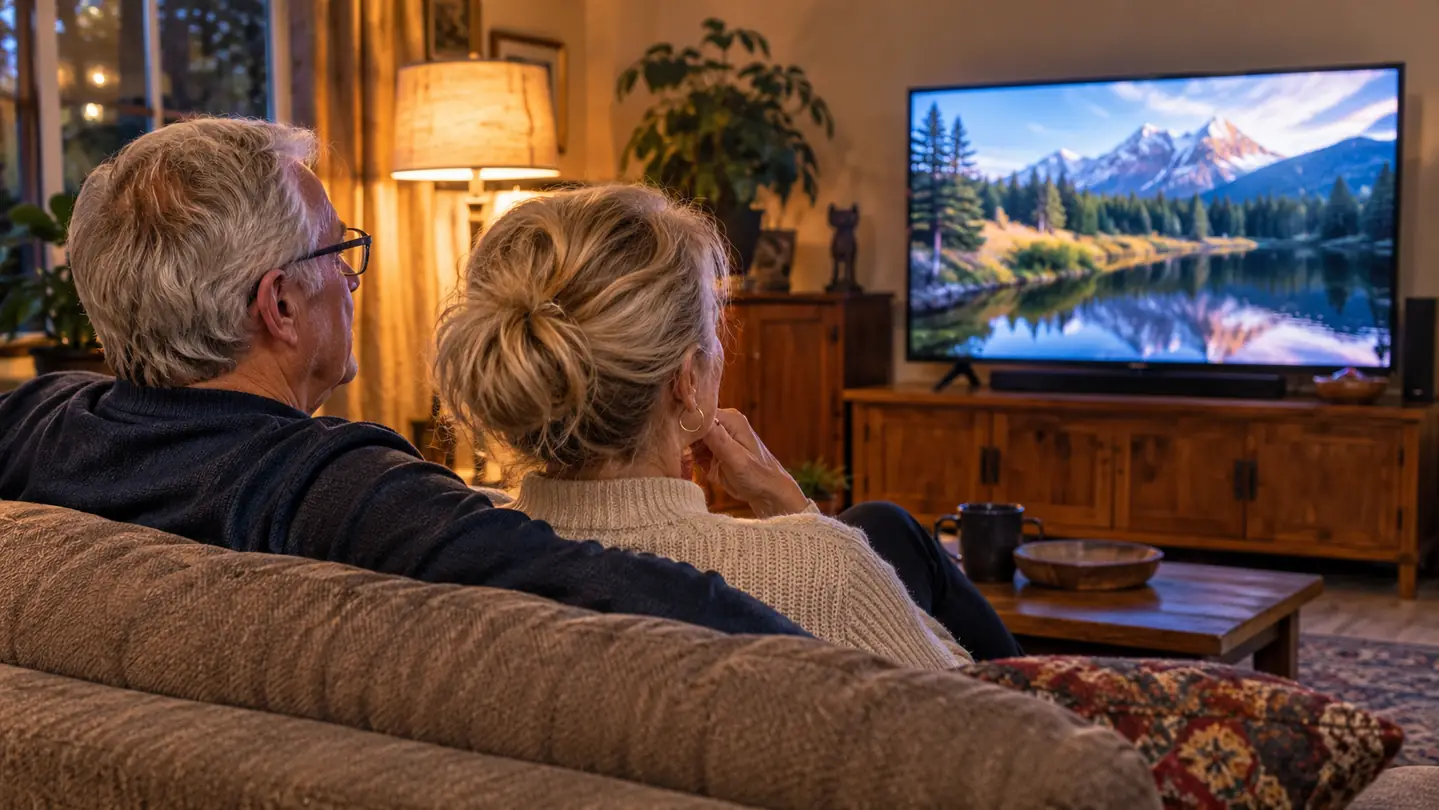
I have mild to moderate hearing loss in both ears, diagnosed three years ago when I was 63. Soft voices go first. Then fast dialogue. Then anything with a music bed underneath it, which is every British mystery ever filmed. For a long time I did what most people do, which is turn the volume up until the explosions rattle the windows while the inspector is still mumbling into his coat collar. Sal hears normally. He is 68. He used to wince, then leave the room to put the kettle on, and I would pretend not to notice why.
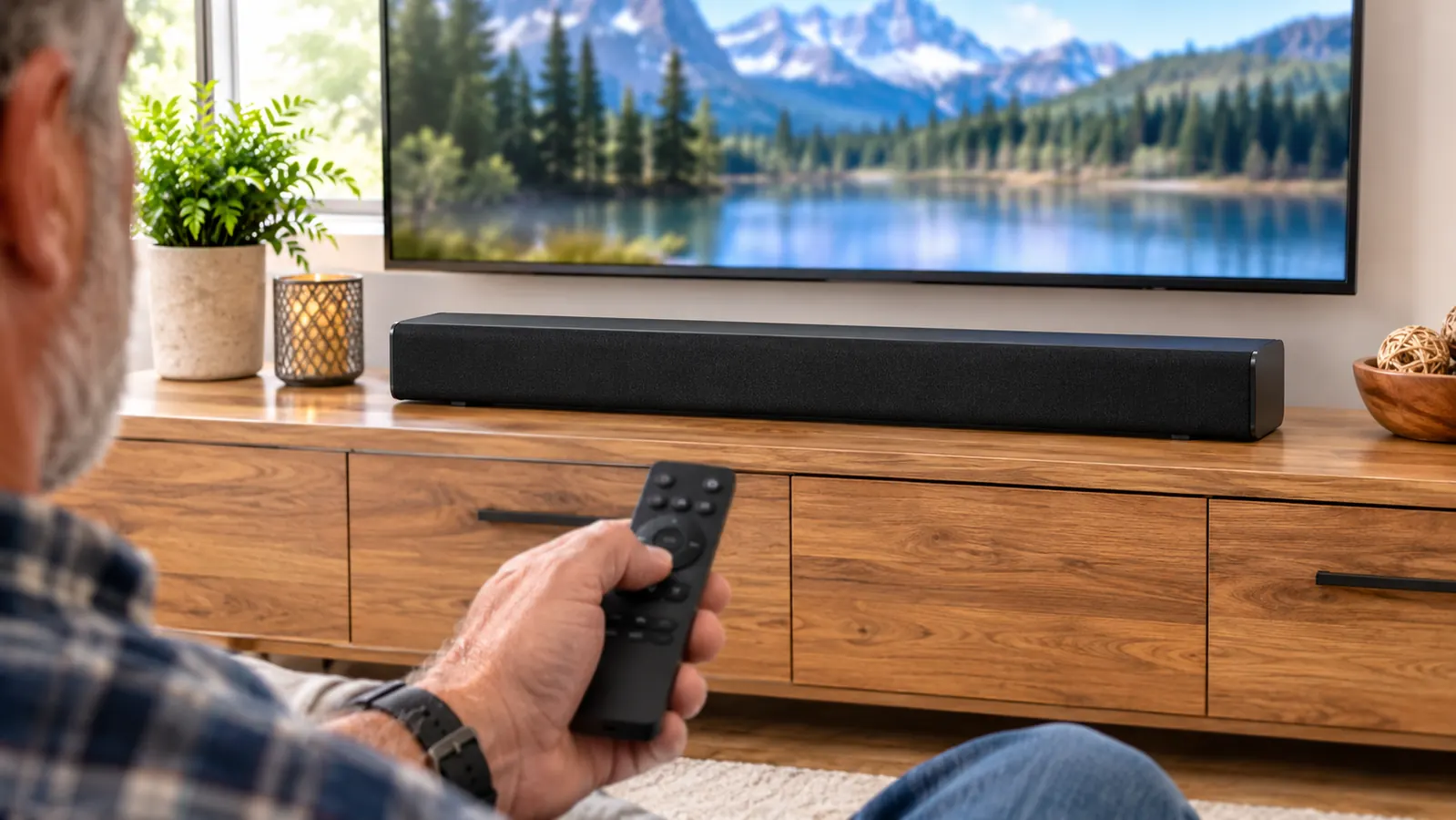
What changed things was a Bose TV Speaker, a compact soundbar that sits under the television and does one job noticeably better than the television does it alone: it pushes speech forward. The listing says it clarifies speech, and after several months of nightly use I can tell you that is not marketing decoration. It is 23.38 inches wide, 2.21 inches tall and 4.3 pounds, which matters more than it sounds, because a speaker that size slides under a 50 inch set without blocking the screen or crowding the cabinet. It has two angled full-range drivers, HDMI ARC, optical in, AUX in and Bluetooth 4.2, and it comes with a remote control. That is the whole shopping list. Everything below runs through those parts.
You Do Not Need a New Television. You Need the Sound to Come From Somewhere Better.
Every step in this guide uses the Bose TV Speaker and the remote that ships in the box. One cable, five settings, about twenty minutes. No account to create, no microphone to wave around the room.
Amazon Check Today's Price on Amazon →I wrote these notes in the order I would do them again, because I made two mistakes first. I pushed the speaker too far back on the cabinet, and I left the television's own speakers running for a week without realizing it. Both of those cost me a week of thinking the speaker was not helping much. It was helping. I was canceling it out.
Step 1: Put It Where the Sound Can Reach You
The drivers inside this speaker are angled, which means the sound is designed to spread out into the room rather than fire in a straight line at your knees. That only works if there is nothing directly in front of it. My first placement had the speaker pushed back against the wall on a deep cabinet, with a framed photograph standing in front of one end. I may as well have been listening through a pillow. Pull it forward so the front face sits level with, or slightly proud of, the front edge of the cabinet. Nothing in front of it. Not a plant, not a picture frame, not a stack of remotes.
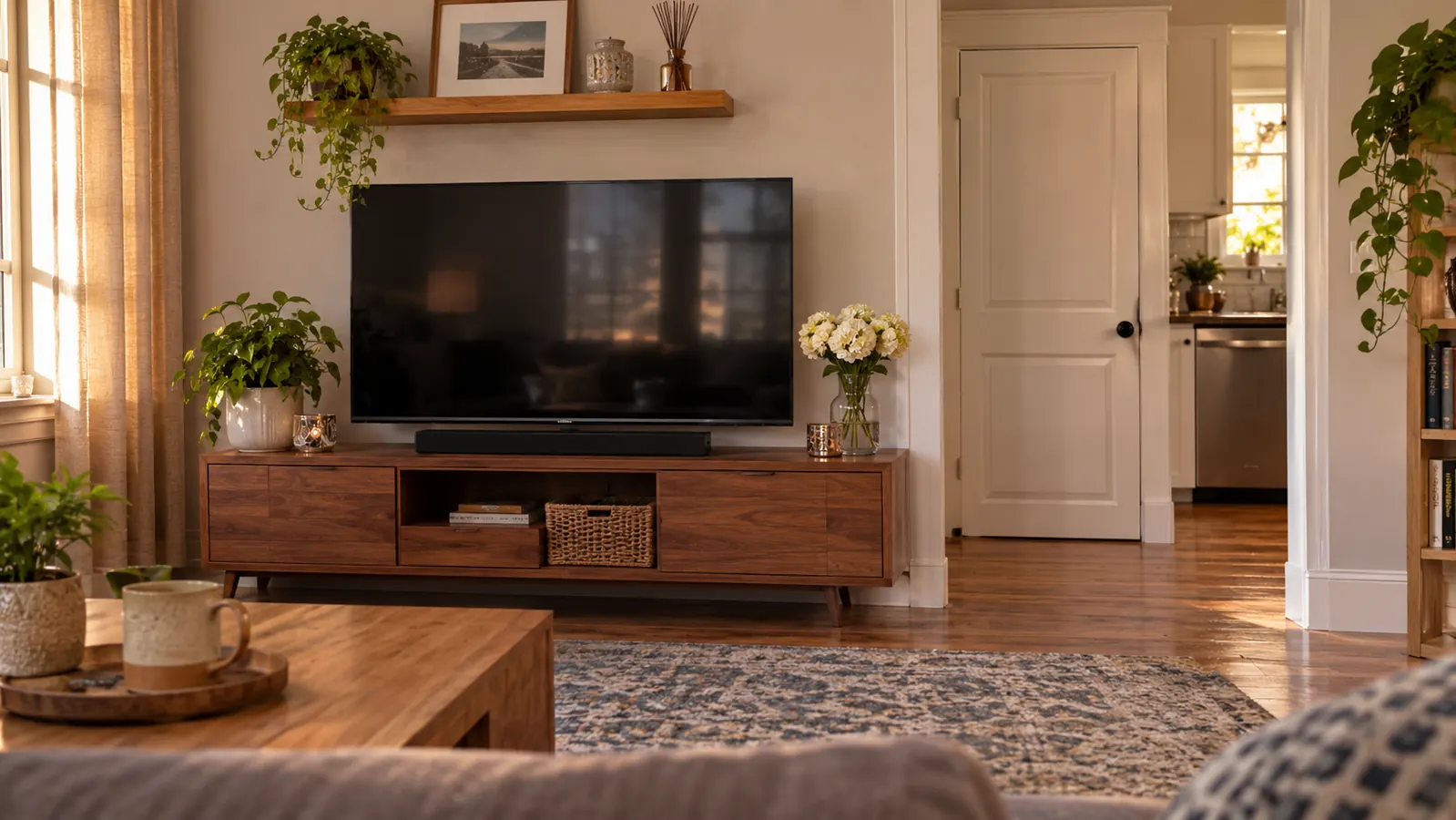
Center it under the screen. Not roughly centered, actually centered, because a speaker sitting off to one side makes the dialogue arrive from the left while the actor's mouth is in the middle, and your brain spends the whole scene reconciling the two. It is 23.38 inches wide and 2.21 inches tall, so on a 50 inch television there is room to line it up properly. Mine sits on the same low cabinet as the set, about ten feet from the sofa, which is where we sit. If your sofa is much further back than that, move the speaker forward a little and keep the volume the same. You are trying to shorten the distance the words have to travel, not make them louder.
Do not put it inside a cabinet with a door, even a glass one, and do not tuck it behind the television. I know how tempting that is, because the point of a soundbar is that you stop noticing it. You will notice it more when the dialogue is boxed in and muddy. The speaker can be wall mounted if that suits your room. I did not go that route, but the principle is the same either way: centered on the screen, nothing in front of it, at roughly ear height when you are sitting down.
Step 2: Use the HDMI Cable Before You Try Anything Else
The Bose TV Speaker accepts several connections and the temptation is to use whichever cable you find first in the drawer. Use the HDMI cable, into the port on your television labeled ARC. ARC stands for Audio Return Channel, and in plain words it means the television sends the sound out through the same cable the picture side already uses. One cable does the job, and your ordinary television remote keeps working for volume. That last part is the reason I would start here. I have enough remotes on that cabinet without adding a second one to the rotation.
If your television is older and has no ARC port, optical is the next best thing and it sounds perfectly good. The difference is mostly convenience: with optical, you may find yourself reaching for the speaker's own remote for volume rather than using the television's. That is not a defect, it is just how the handshake works. What you should not do is connect HDMI and optical both and then wonder which one is live. Pick one, unplug the other, and set it up cleanly.
There is also Bluetooth 4.2, and it remembers up to three devices. I use it for podcasts in the afternoon, when I am folding laundry and not watching anything. Sal paired his phone in about a minute. This is a genuinely useful second life for a speaker that otherwise sits under a screen doing nothing until 8 p.m., and it is the reason I stopped moving a portable speaker between rooms.
Step 3: Tell the Television to Stop Using Its Own Speakers
This is the step I missed, and it is the one that makes people give up. You plug in a soundbar, you hear an improvement, and you assume you are done. But if the television is still pushing sound through its own built-in speakers at the same time, you now have two sources of speech arriving a fraction of a second apart, plus a second set of the same music cues. It sounds hollow and slightly out of focus, and no amount of adjusting the speaker will fix it. Go into the television's sound menu and set the speaker output to the external or ARC option. Turn the built-in speakers off.
While you are in that menu, look for the television's own speech enhancement setting and turn that off too. Most sets have something called clear voice, dialogue boost, or similar. It is doing the same job as the speaker, but worse, and the two of them together over-process the dialogue until it sounds thin and synthetic. Let the speaker handle speech. Let the television handle the picture.
One more thing in that menu: the audio output format. If the sound arrives late compared with the mouths, or if it drops out for a second when a scene changes, switch the format to PCM and see if that settles it. That is a television setting, not a speaker setting, and it took me two evenings and a phone call to my son-in-law to work out. Write down what you changed, because you will not remember in March.
Step 4: Turn On Dialogue Mode and Set Your Baseline Number
Now the part you came for. The remote that comes in the box has a button for dialogue, and pressing it is the difference between watching a show and deciphering one. Voices step forward. The music and the ambient sound step back and stop competing. On my set the change is not subtle, and I noticed it in the first thirty seconds of a cooking show, before I had even put the remote down.
Set it properly by choosing the right thing to test with. Do not test with a film that has explosions in it. Test with a talky show, ideally one where two people are speaking quietly in a room while a piano plays underneath. That is the situation that defeats me, and it is the situation this speaker is built for. Turn it on, listen for two minutes, then turn it back off and notice what returns. That back and forth is what taught me what the setting is actually doing, which is not making anything louder so much as moving the words to the front of the line.
Then find your number. Start lower than you think you need, raise it until you can follow a murmured sentence without leaning forward, and stop there. Write the number down or notice where it sits on the display, because once Sal is asleep and you are watching alone at 11 p.m. it is very easy to creep upward a few notches at a time until the room is full of sound and you still cannot hear the butler. I keep mine at a fixed point now. It has not moved in months.
The speaker did not make me hear better. It made the words louder than the music, which is a different problem and the one I actually had.
Step 5: Remove What Is Still Fighting the Dialogue
A room is part of the sound system whether you planned for it or not. My family room has hardwood floors and a good deal of bare wall, and hard surfaces bounce speech around until it smears. An area rug in front of the sofa helped more than I expected. So did keeping the curtains closed in the evening. You are not building a studio. You are giving the words one less surface to bounce off before they reach you.
Then there are the ordinary household noises that nobody counts. The dishwasher on its last cycle. The furnace kicking in. A ceiling fan on high. Each one of those takes a slice out of the quiet parts of a scene, and the quiet parts are where dialogue lives. I close the kitchen door now. It is a small thing and it is the reason I can follow a whispered conversation from ten feet away.
And sit centered when you can. This speaker is 23.38 inches wide and it creates a convincing spread of sound, but the clearest listening is still roughly in front of it. If I sit on the far end of the sofa with my head near the wall, I lose a little. In the middle, I lose nothing. Sal has learned to leave me the middle. I did not ask him to and I am not giving it back.
What Else Helps
First, and I mean this sincerely: if you are turning the television up past a level that bothers everyone else in the room, get your hearing tested. I put it off for years because I thought it was the television's fault and the actors' fault and the sound mixing these days. It was none of those. A hearing test took an hour, it did not hurt, and it gave me a number to work with instead of a vague suspicion. I am not an audiologist and I make no medical claims about this speaker. It clarifies speech. It does not restore hearing, and no product in this category does. It just makes the gap more comfortable while you work out what else you need.
Second, agree with the person you watch television with that the volume is not a moral question. Sal used to reach over and turn it down mid-sentence. I would turn it back up. We were both being reasonable and both being annoying. What we do now is pause and ask. If I miss a line, he repeats it, and if he finds the room too loud, he says so and I check whether dialogue mode is on. Half the time it is off, because I turned it off during a football game and forgot. That brings me to the third thing.
Third, be honest that dialogue mode is not the right setting for everything. For a Buffalo Bills game I turn it off. The crowd noise and the announcer are mixed so the speaking is already forward, and the setting strips out the low end that makes a stadium sound like a stadium. For music, off. For a film with a lot of score, on. For British mysteries, always on, and subtitles on as a backup, which is not an admission of defeat. I read subtitles the way I read a program at the theater. They do not mean I have failed. They mean I would like to know what the man said.
Twenty Minutes of Setup Bought Back the Shows I Had Quietly Given Up On
If you have been watching with the subtitles on and the volume at a number that drives someone else out of the room, this is the simplest fix I have found in fifteen years of trying. Start with the HDMI cable. Then the dialogue button. Then the rug.
Amazon Check Today's Price on Amazon →